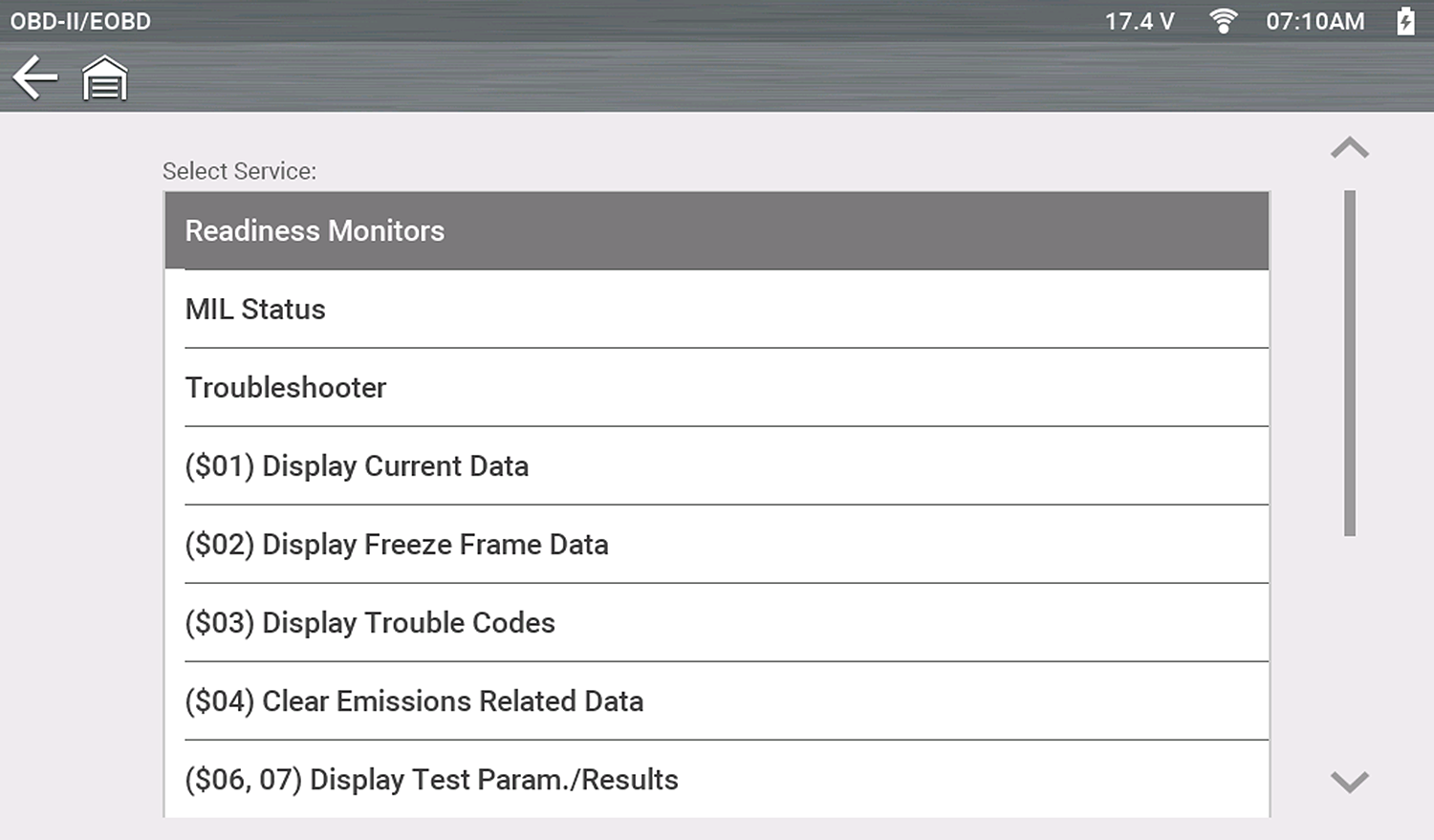
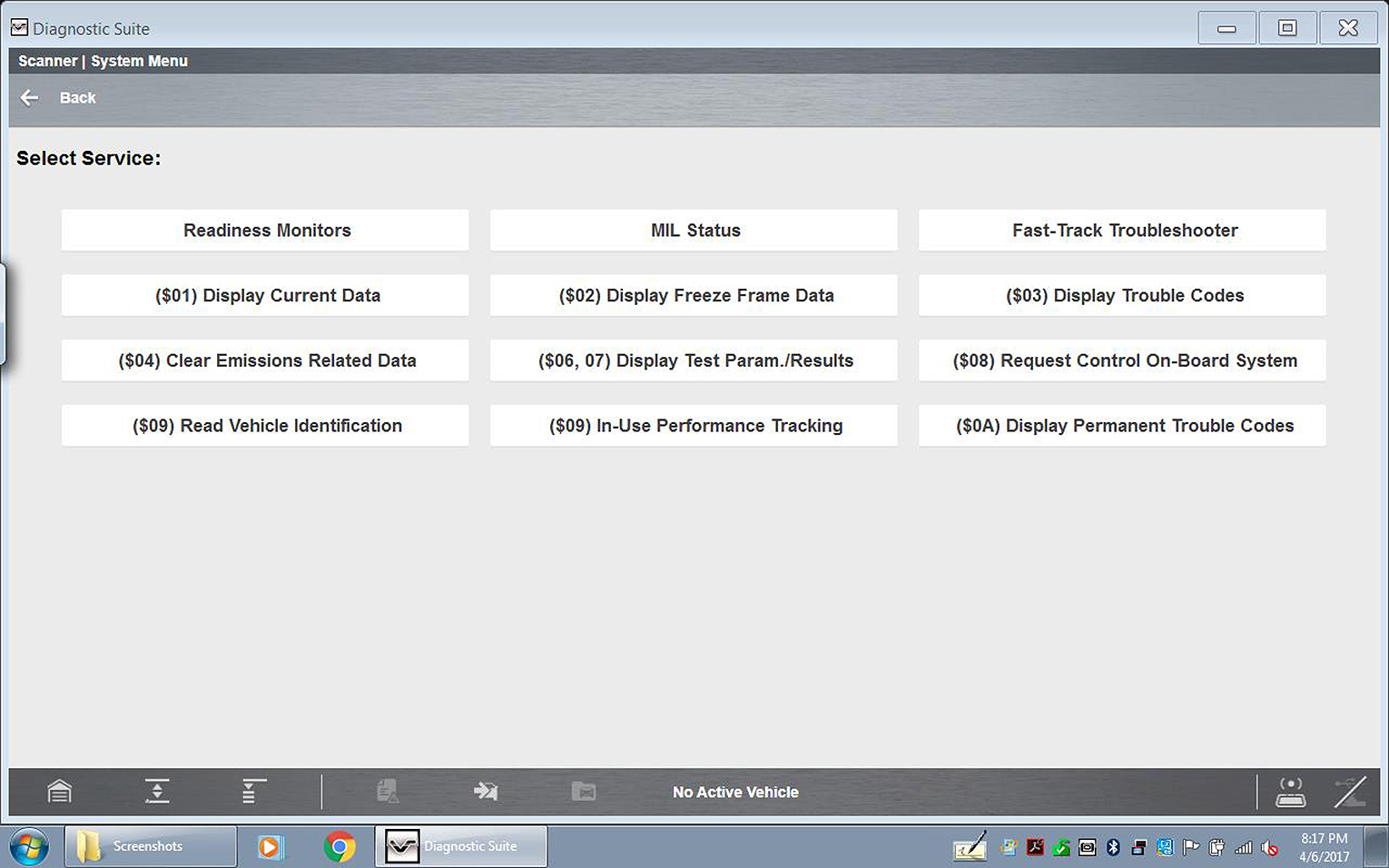
Start Communication
Selecting Start Communication, initiates an OBD-II test session.
| 1. | Select Start Communications. |
| 2. | Connect the diagnostic tool to the vehicle. |
| 3. | Select Continue. |
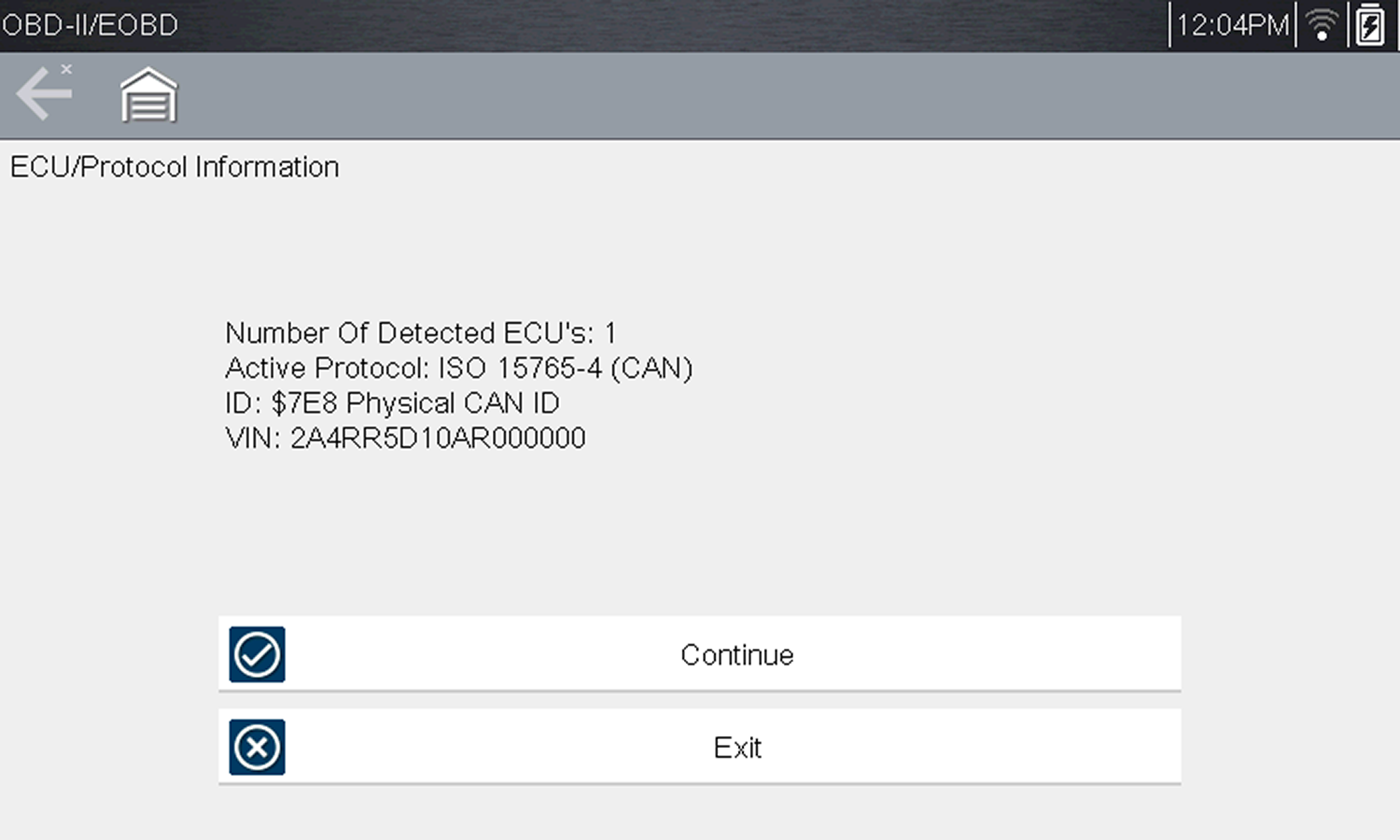
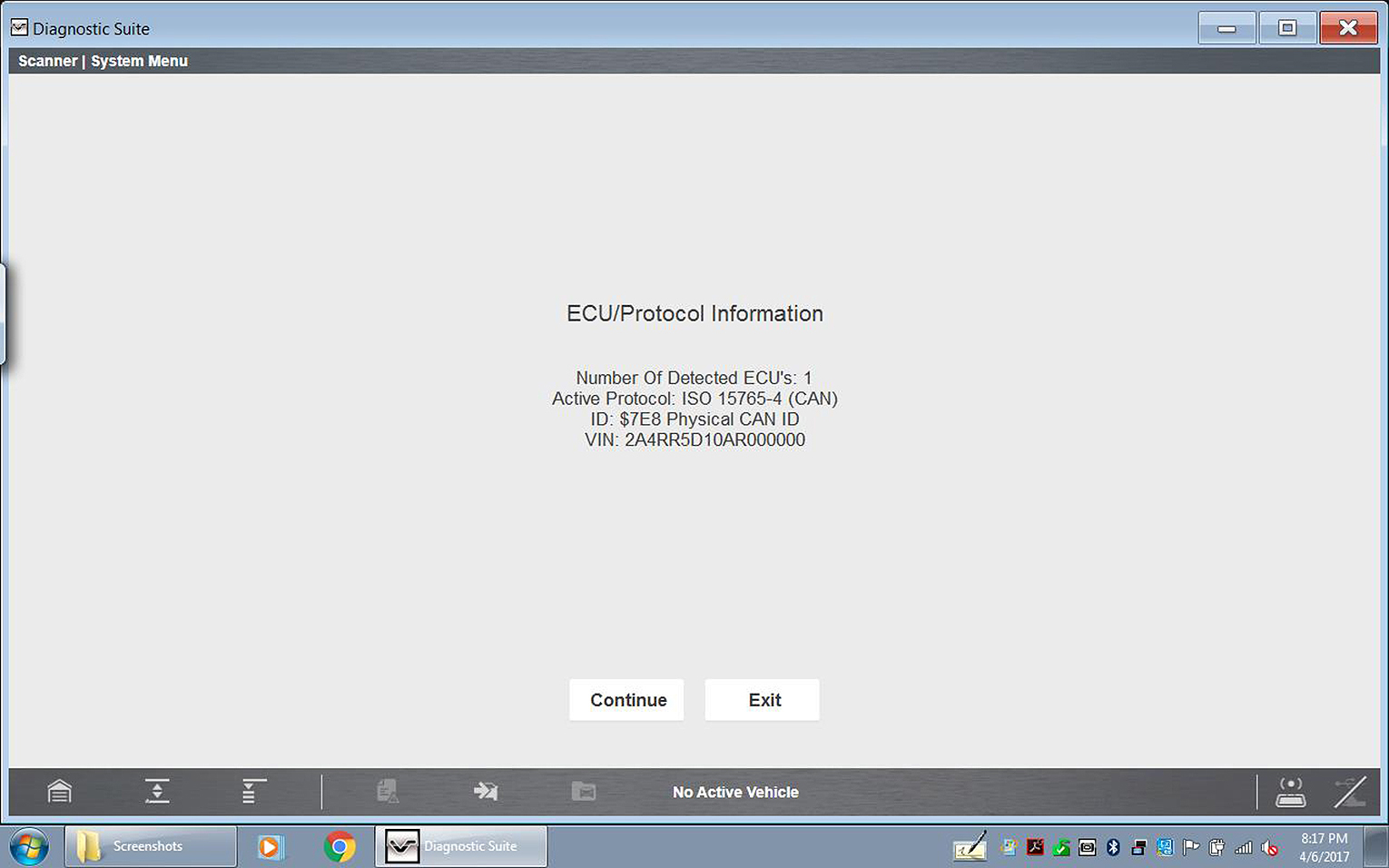
The following information may be displayed:
| – | Number of ECM’s detected |
| – | The communication protocol being used |
| – | Which ECM is actively communicating |
| – | Vehicle Identification Number (VIN) |
All service modes are not supported by all vehicles, so the available menu selections will vary.
Typical Screens from Current Diagnostic Tools Shown
| 4. | Make a selection from the available service menu options. |
| 5. | Select a test to continue. |
Typical Screens from Current Diagnostic Tools Shown